
AI Customer Service Platform
Capture customer requests, resolve routine questions with AI, hand off complex work, publish reusable knowledge, and improve the workflow from one shared system.
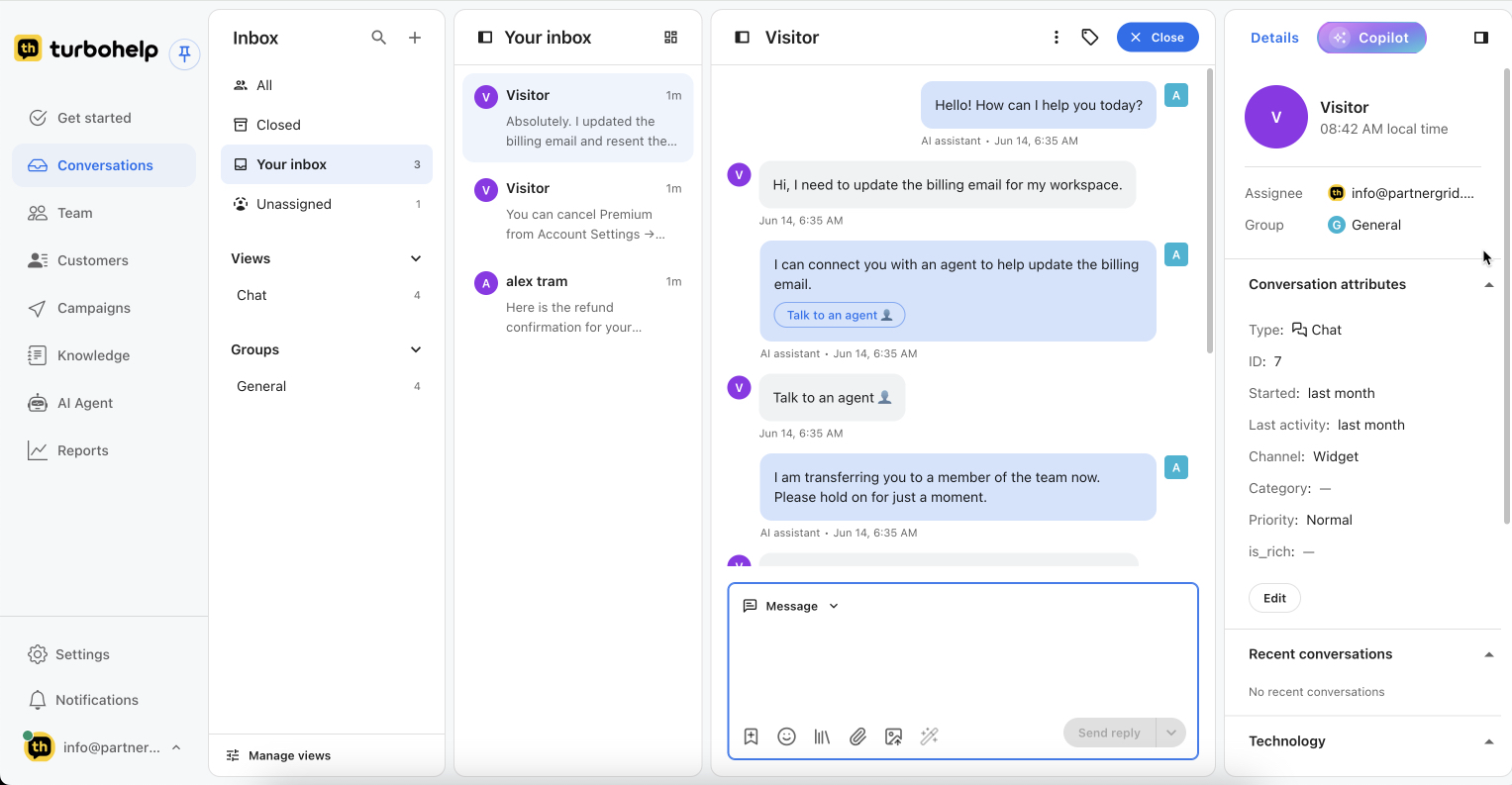
Seven modules, one customer service workflow
Each module has a distinct job. Together they keep the request, the response, ownership, and customer history connected.
Capture → resolve → escalate → document → improve
The workflow follows the request from first contact through resolution and feeds what the team learns back into knowledge and operations.
- 1
Capture the request
Email or web chat enters the shared inbox with its channel and customer context.
- 2
Resolve what is clear
AI can propose or deliver an answer from approved knowledge; a teammate can review and edit.
- 3
Escalate with context
Complex, sensitive, or unresolved work keeps its history when it moves to an owner or team.
- 4
Document the answer
Turn useful resolutions and repeated questions into maintained help center content.
- 5
Improve the operation
Use reports to spot backlog, recurring topics, escalations, and gaps in support knowledge.
What stays with the customer conversation
TurboHelp keeps the operational details teammates need when work moves between AI, queues, and people.
Read the customer service software buyer guideConversation history
Messages, summaries, channel, and recent activity.
Ticket state
Status, priority, category, assignee, and group.
Customer details
Identity and the support attributes available to the workspace.
Knowledge used
Relevant approved content and the reasoning context for review.
Choose the next level of detail
See the complete help desk category, compare customer service software, follow a support team workflow, review pricing, or inspect disclosed product examples.
TurboHelp platform FAQ

Get your AI helpdesk today
Faster replies, smarter routing, and all customer conversations in one inbox.
Start free trial